Solace-7
A downloadable game for Windows, macOS, and Linux
Every choice leaves a trace
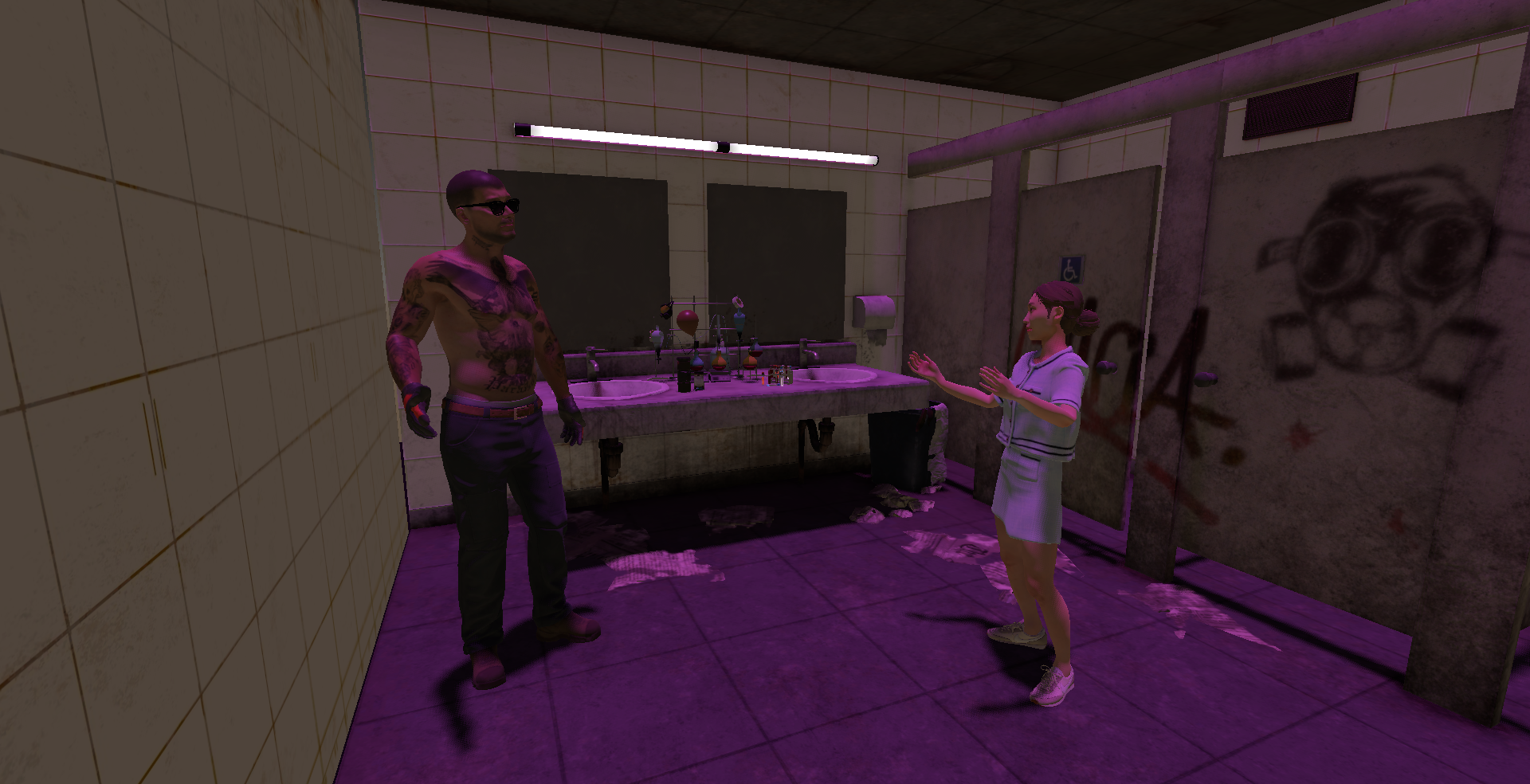
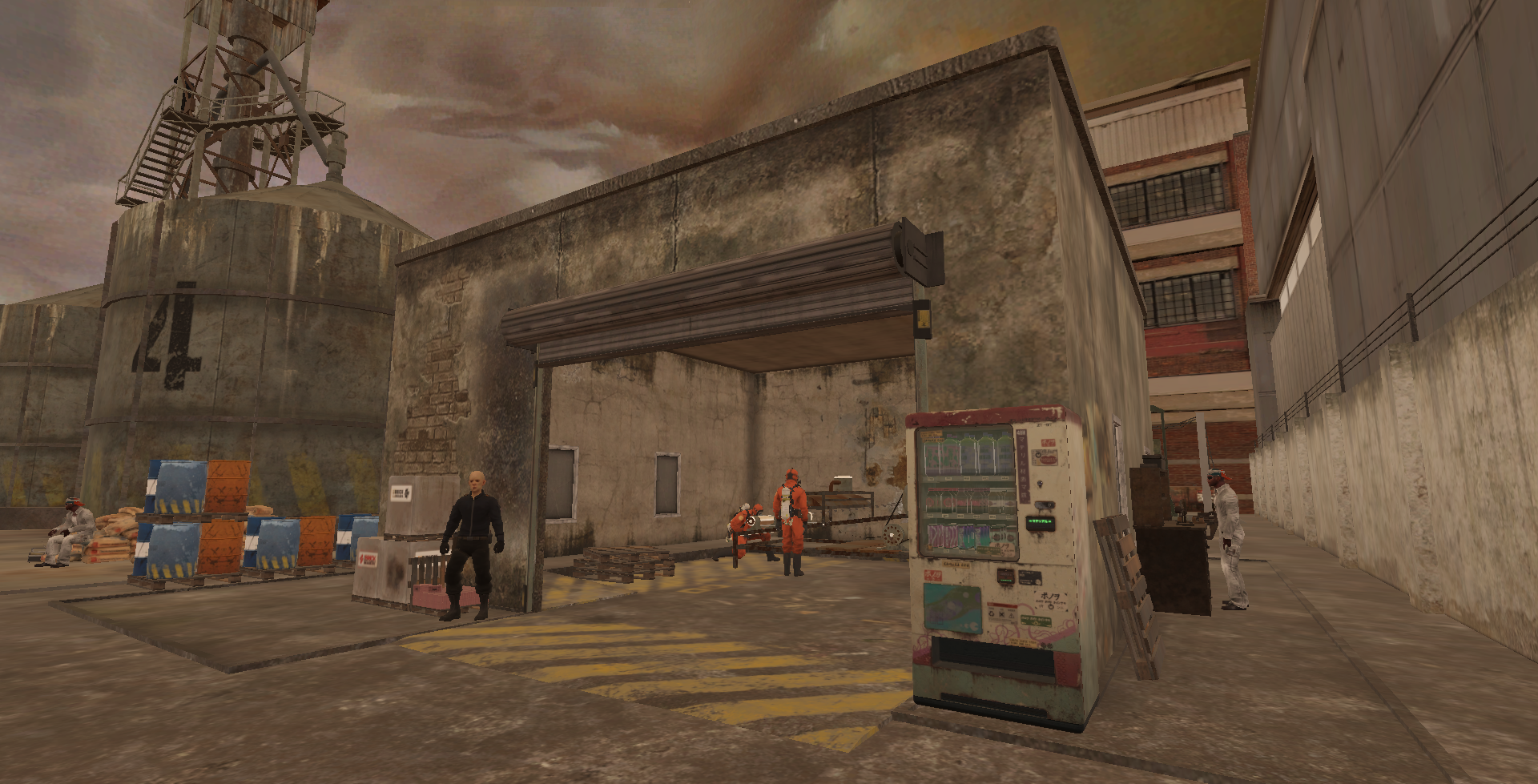
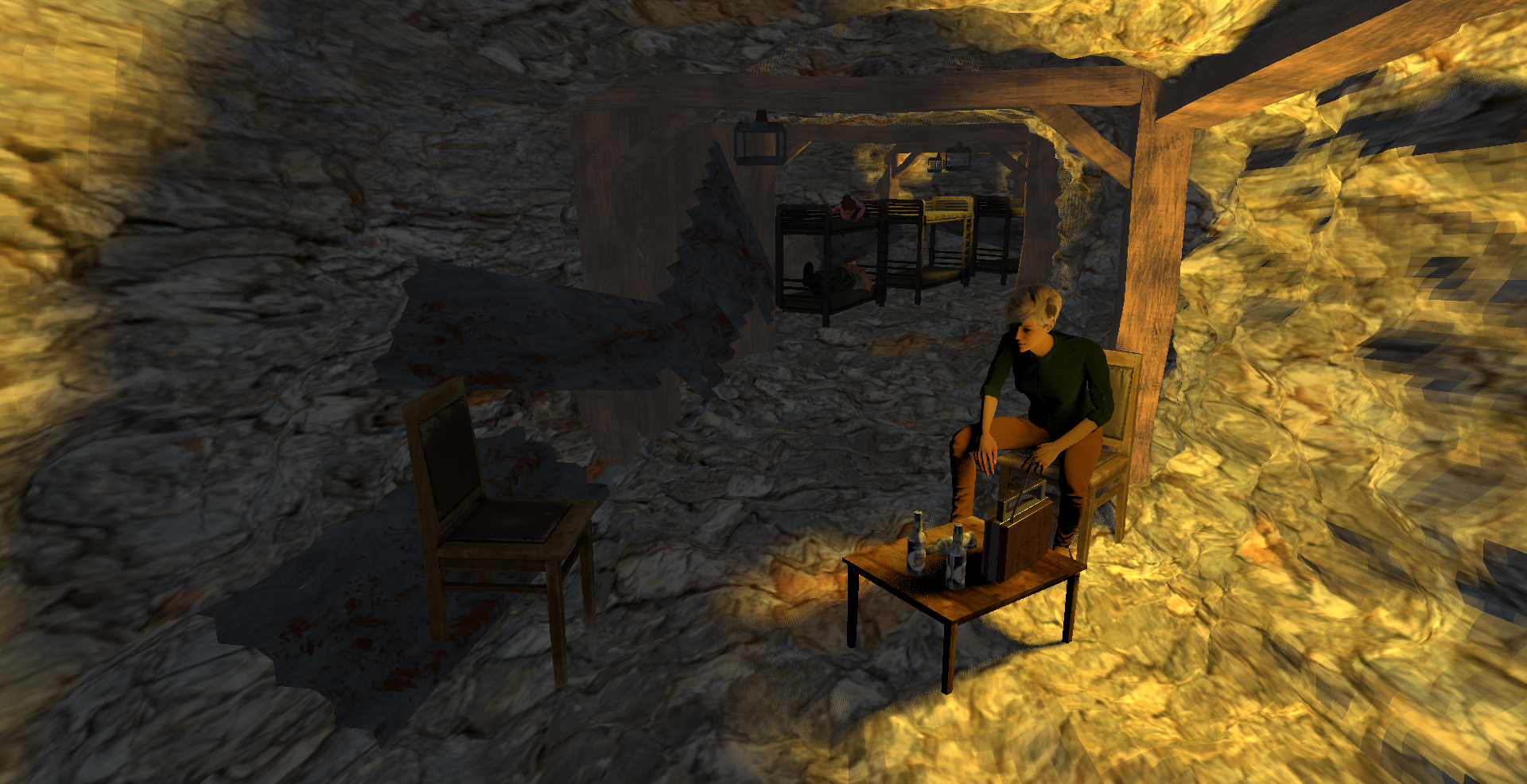
A narrative-driven interactive experience set in a fragmented dystopian world where players navigate short story events and make decisions under uncertainty.
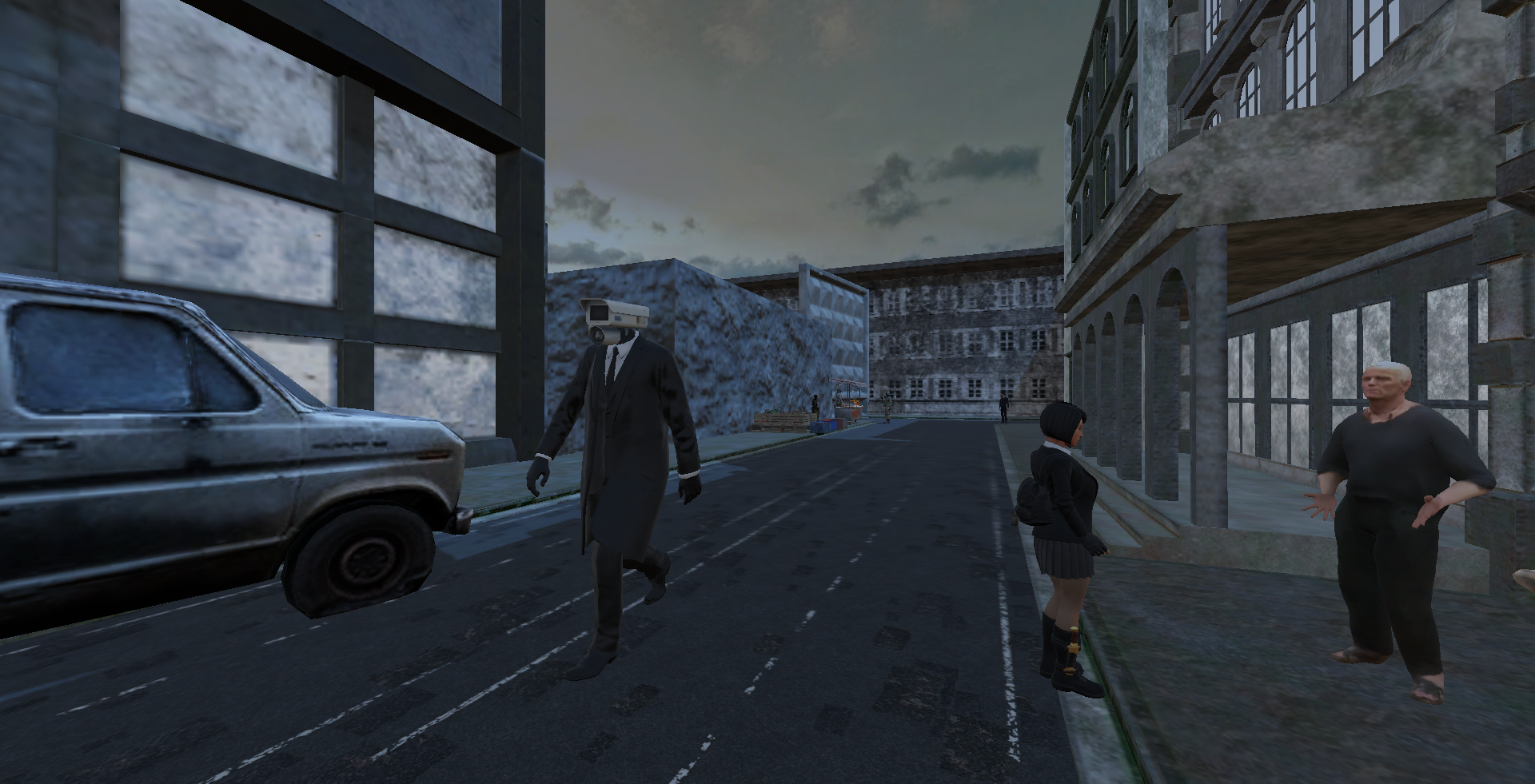
You will move through different environments, meet characters, and face situations where there is rarely a clear right or wrong answer. Each choice leads to different outcomes and perspectives on the world around you.
The experience is structured around branching narrative moments and reflective questions that appear before and after key events.
Help me graduate
This project is part of my bachelor’s thesis in Political Science, built as an interactive narrative experiment.
You’ll follow short narrative moments set in a fragmented world, where interactions and decisions quietly shape how events unfold. Most situations don’t offer clear answers — only different paths, each revealing something slightly different about the world and the people in it.
The project also includes brief reflective questions before and after key moments in the game. These are used to understand how decisions and perspectives may shift during the experience.
Control Buttons
WASD - move
Space - jump (on stairs)
E - interact
Mouse - look
Ethical Notice
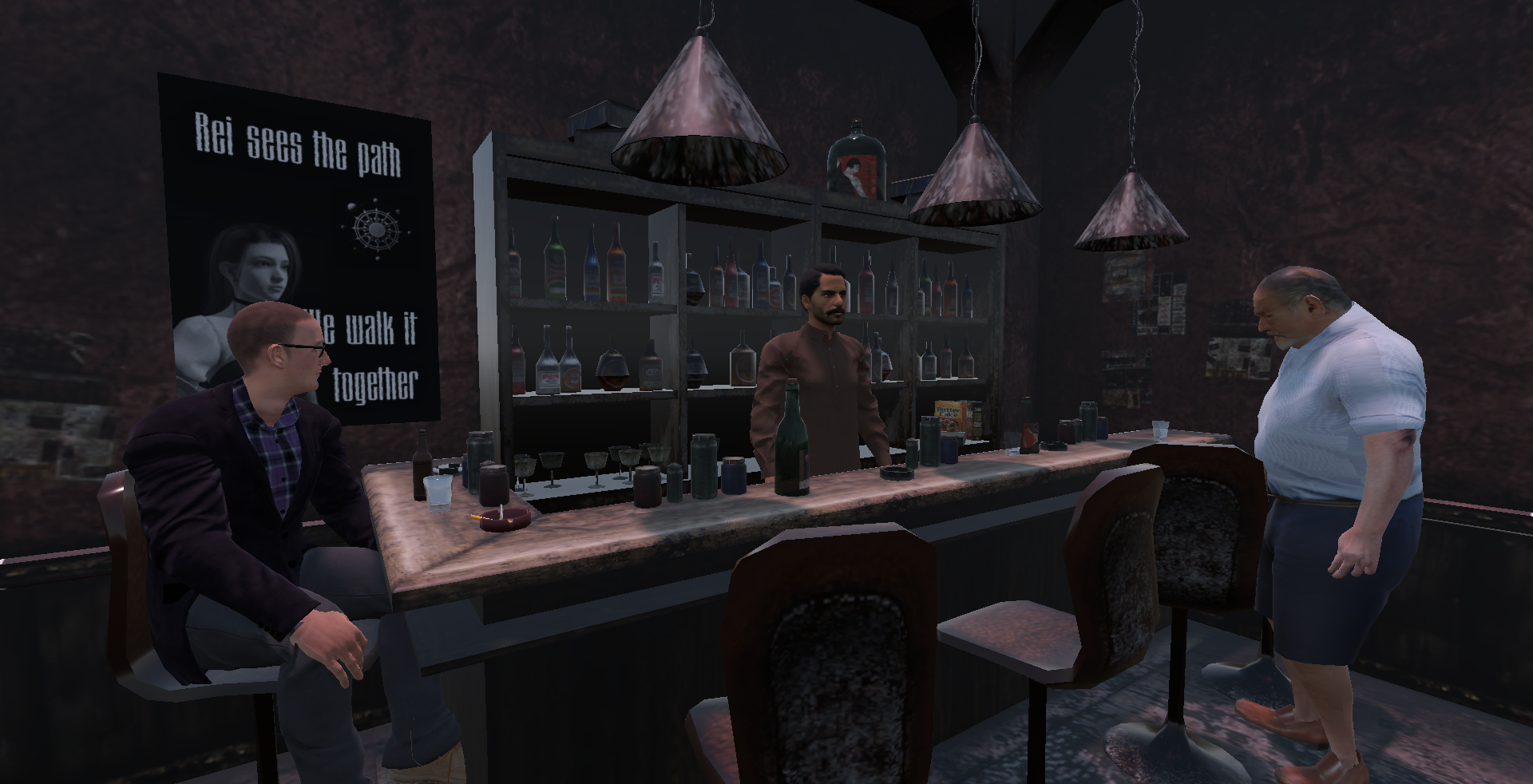
The game includes themes of authority, substance use (alcohol, drugs, smoking references), and social pressure within a fictional dystopian setting.
Survey responses are collected anonymously and used only within the scope of academic research for this thesis. No personally identifying information is required or collected.
By playing the game and participating in the survey, you agree to the use of your anonymous responses for research analysis.
Download
Install instructions
Windows
- Download the Windows ZIP
- Extract to any folder
- Run the
.exefile
If Windows shows a warning: More info → Run anyway
Linux
- Download the Linux ZIP
- Extract to any folder
- Open terminal in folder
- Run:
chmod +x game.x86_64
./game.x86_64
macOS
- Download the macOS ZIP
- Extract the archive
- Right-click the app → Open
- Click Open again when Gatekeeper warns you
If blocked:
- Go to System Settings → Privacy & Security
- Click Open Anyway
No additional installation required.
If problems appear on Linux or macOS - please comment.
Development log
- Solace-7 - Bachelor Thesis5 days ago

Leave a comment
Log in with itch.io to leave a comment.